
Zoho Books × Zoho Desk
Support
shouldn't start with a search.
When a customer raises an issue about an invoice, order or payment, your team already has the context in Zoho Books. Put that context to work—create the Zoho Desk ticket right there.
Built for connected teams · From Kalki – The Innovation Luminary LLP
The everyday disconnect
The issue is about a transaction. So why start somewhere else?
A customer calls about an invoice, a sales order or a payment. The accounts team knows which record is involved - but creating a support request can mean switching tools, searching for details and entering the same information again.
"
The customer has already explained the problem. Your team shouldn't have to recreate the context.
Kalki Konnects brings the support request closer to the transaction it concerns.
A more natural workflow
From transaction to support
request. Without the detour.
Keep the person raising the issue in the place where the relevant business record already lives.
01 / CONTEXT
Stay on the transaction
Open the relevant invoice, sales order, estimate, credit note or receipt in Zoho Books.
02 / REQUEST
Explain what needs attention
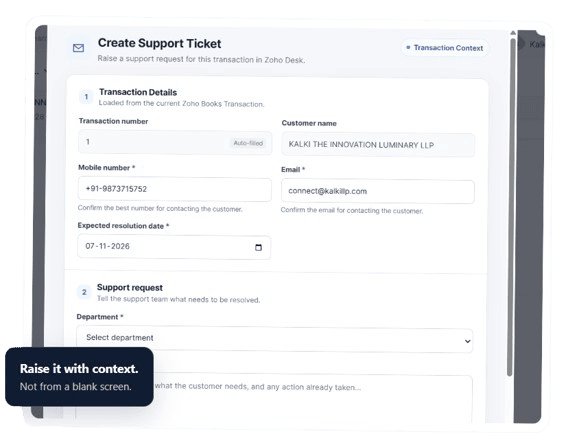
Review the loaded details, confirm contact information, choose a department and describe the issue.
03 / HANDOFF
Create the Desk ticket
Submit the support request to Zoho Desk from the Books workflow.
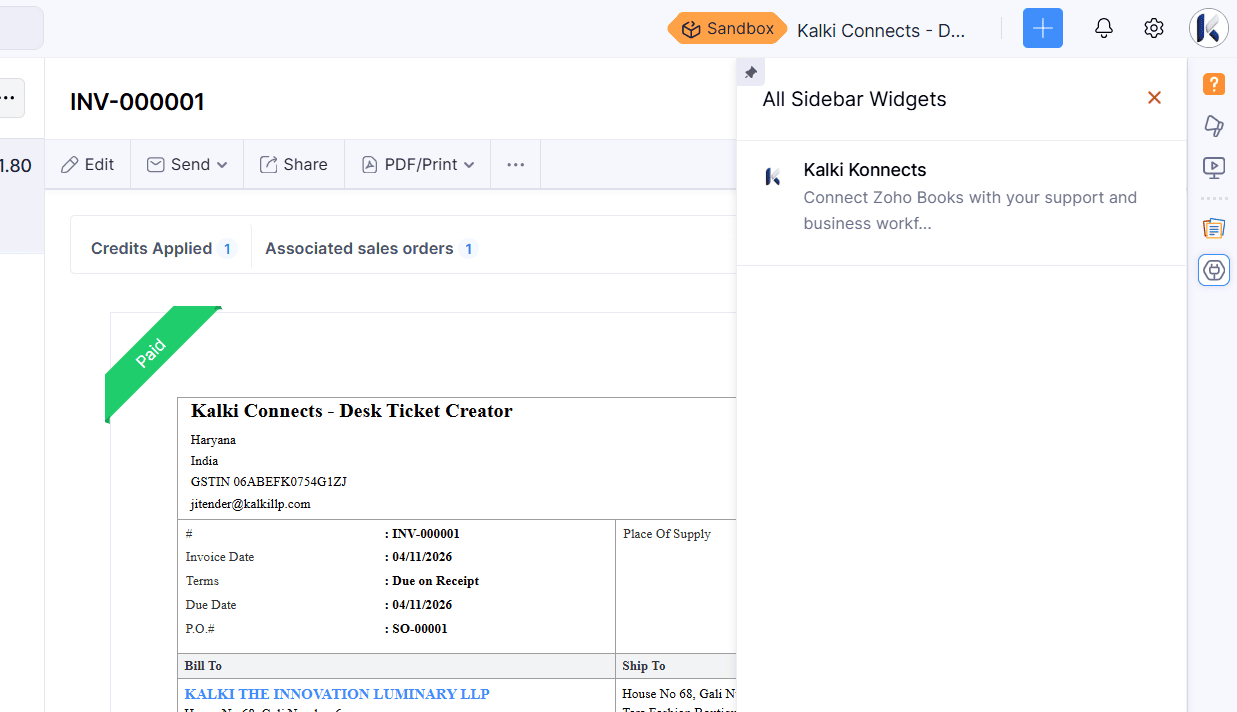
Keep the context close
Less searching for your team. More context for support.
Kalki Konnects is designed around the moment an issue is raised - not around a long list of software features.
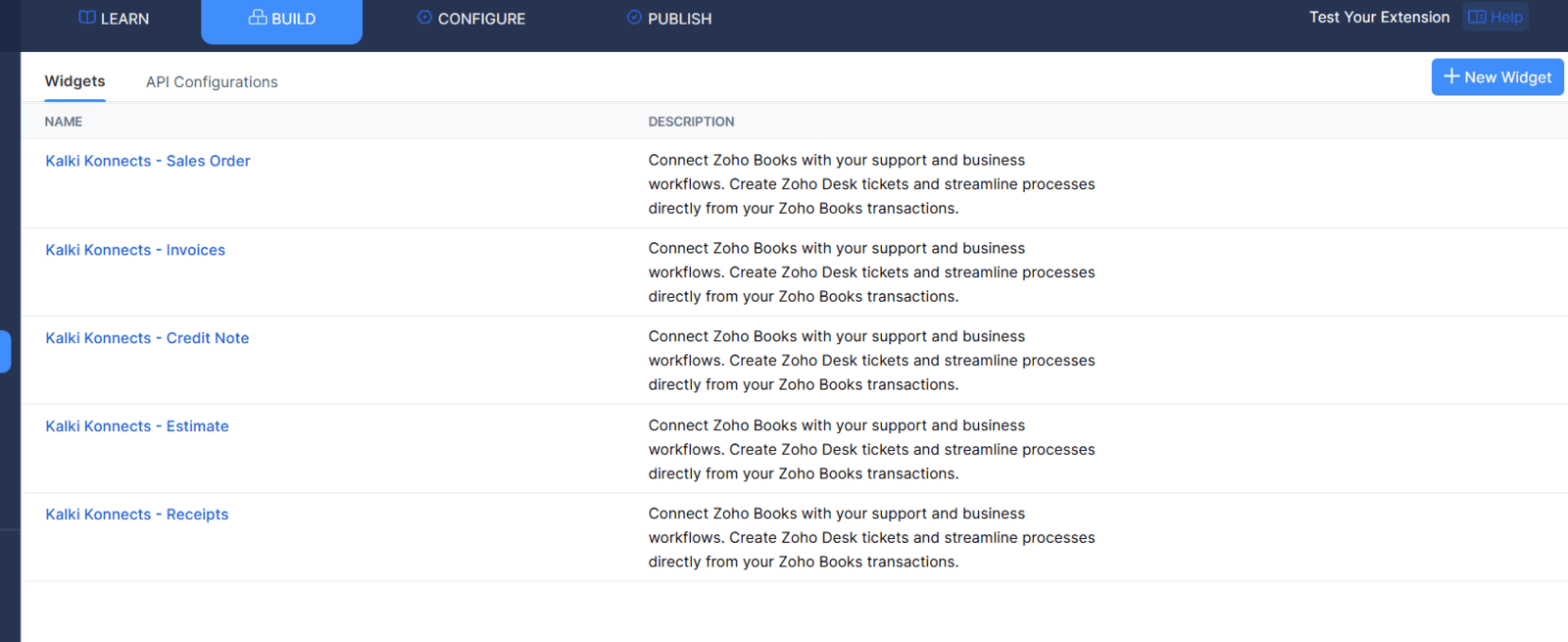
Where it fits
One support entry point across the transactions that matter.
Raise a request in the context of the record the customer is asking about.
Make the handoff simpler
Let support begin with the
context your team already has.
Kalki Konnects - connecting Zoho Books transactions with Zoho Desk support.